Have you ever thought about how many potential customers leave your website because of accessibility issues? It’s not just a guess. A UK Click-Away Pound survey found that 69% of disabled internet users leave websites that aren’t accessible. For small and medium businesses, this represents a significant missed opportunity. 

So, how do you make your website and documents digitally accessible? This guide will show you simple, actionable steps to make your website and documents welcoming to everyone. 

Understand How People Use Your Site

It’s easy to think your website is intuitive just because it works for you. But that doesn’t mean it works for everyone. Some people use a keyboard instead of a mouse. Others rely on screen readers that read text aloud or use voice commands to navigate a page. Testing how real users with disabilities interact with your website can show you things you might never notice.

The most valuable insights come from real users. Invite feedback from people who use assistive technologies. Watch how they navigate your site, where they get stuck, and how they interpret your content. You’ll often find that small design or content changes can remove significant barriers.

Make Your Visuals Accessible for All

Visual accessibility is one of the most common areas that websites overlook. Millions of people have some degree of visual impairment and rely on different aids to access digital content.

Text should clearly stand out against its background, even for people with low vision or color blindness. A contrast ratio of at least 4.5:1 for normal text is considered accessible. Use free tools like the Contrast Checker from WebAIM to make verification easy.

Make Documents User-Friendly

Many businesses share important information through downloadable documents like PDFs, Word files, or PowerPoint presentations. Unfortunately, many of these documents are inaccessible by default.

When creating a PDF, make sure that it is tagged. Tagged PDFs have structural information such as headings, paragraphs, and tables, which makes the PDF more readable for screen readers. Make sure to include alt text for images and organize content so it reads correctly for users relying on assistive technology. A simple test for accessibility before sending or uploading the document can make sure that it can be read by everyone.

Make Reading Easier and Reduce Mental Effort

Some users may learn in a different way or have cognitive disabilities that affect how they read and interpret information. But even those without diagnosed disabilities enjoy plain and uncluttered content.

Use plain language. Avoid using complex, long sentences or jargon where a straightforward explanation will do. Break your writing up into short paragraphs with explanatory subheadings. This is easier for everyone to read and find what they require in a short amount of time.

The fonts you choose also matter. Fonts like Arial, Verdana, Sans-Serif, are easier to read on the screen. Choose a font size of at least 14 points for body text and never use all caps or italics because they are harder to read.

Support People with Hearing or Mobility Needs

Accessibility goes beyond visual or cognitive needs, millions of people have hearing or physical disabilities that affect how they use technology.

Provide captions or transcripts for all video and audio content to support deaf or hard-of-hearing visitors. Consistently adding these is important, as many viewers watch videos on mute, especially at work or in public. Transcripts also help search engines index your content, giving your site a slight SEO boost.

For users with limited mobility, ensure that your website is completely accessible with only a keyboard. All links, buttons, and form fields should be accessible using the Tab key. Avoid features requiring fine motor control, including small click-tooltips or drag-and-drop interfaces.

Keep Improving Through Feedback and Data

Accessibility isn’t a one-time project, it’s an ongoing process. Each time you update your site or add new content, test to ensure everything remains accessible. Encourage visitors to provide feedback if they encounter issues, and consider including an accessibility statement on your site to show your commitment and provide contact information for support

Accessibility gap insights can also be provided by analytics tools. When you notice users abandoning pages or forms, it is usually an indication of an accessibility or usability issue.

Make Accessibility Part of Your Brand

For SMBs, accessibility can seem like just another item on an already long to-do list. But it’s a smart investment in your reputation and customer relationships. When your website and documents are accessible, you’re showing your audience that your business is thoughtful, inclusive, and professional. You’re also protecting yourself from potential legal risks, as accessibility standards like the Americans with Disabilities Act (ADA) apply to many websites.

The good news is that beauty and accessibility can go hand in hand. You can have a modern, visually striking website that’s also accessible, by thoughtfully choosing colors, design elements, and language that welcome everyone.

Ready to Make Your Website More Accessible?

Accessibility is not a technical requirement. It’s about people. It’s about ensuring everyone, no matter what their ability, can read your content, fill out your forms, or download your documents. For business owners, that’s the essence of good service: meeting customers where they are and including everyone.

By investing the time to make your documents and site accessible, you’re opening doors and removing barriers. Whether you’re doing your color contrast check, adding alt text to images, naming PDFs, or performing keyboard navigation testing, each step brings you closer to a more inclusive online experience.

Ready to make your website accessible, user-friendly, and welcoming to all visitors? Let us help you transform your site into a powerful asset for your business. Contact us today to get expert guidance and start creating an accessible, modern website that works for everyone.

Featured Image Credit

This Article has been Republished with Permission from The Technology Press.

Personal data protection is more important than ever in this digital world. The dark web is a secret part of the internet that is very dangerous because it is often used for illegal things like selling personal information. Because the dark web is decentralized and private, it is very hard to get rid of data that is already there. 

This article will go into detail about how hard it is to get data off of the dark web, how to keep your personal information safe, and other ways to make your online safety better. We’ll talk about what the dark web is, how hard it is to get rid of data, and what you can do to protect your identity.

What is the Dark Web and How Does It Work?

The dark web is a part of the internet that regular search engines don’t crawl, so you need special tools to get there. This site is famous for giving people a lot of privacy, which can be good or bad. It gives you privacy and can be used for good things, like keeping private messages safe, but it’s also a hub for bad things, like cybercrime and data dealing. Because of its secrecy, the dark web makes it hard to find and delete data that has already been shared.

Networks like Tor make the dark web possible by encrypting data and sending it through multiple nodes to hide the names of users. Anonymity is both a good and a bad thing because it lets people speak freely and privately, but it also makes it easier for illegal things to happen. 

The dark web is different from the surface web and the deep web. You can use normal browsers to access the surface web, but databases and medical records are only accessible through the deep web. The dark web is purposely hidden.

To understand why it’s so hard to get info off of the dark web, you need to know how it works and how it’s organized. It is very hard to find and delete all copies of your personal information after it has been leaked because there is no central authority and data can be easily copied across many platforms.

In the next section, we’ll talk about whether it’s possible to get data off of the dark web and look at ways to keep your data safe.

Can Data Be Removed from the Dark Web?

Removing data from the dark web is extremely challenging due to its decentralized nature and the rapid dissemination of information. Once data is posted on the dark web, it is quickly copied and distributed among numerous cybercriminals, making it virtually impossible to remove completely. Despite these challenges, there are steps you can take to protect your identity and prevent further exposure.

Understanding The Challenges of Data Removal

The primary challenge in removing data from the dark web is its decentralized structure. Unlike traditional websites, which can be contacted directly to request data removal, dark web sites often operate outside legal frameworks, making it difficult to negotiate with administrators. Furthermore, the data is frequently shared and resold, creating multiple copies that are hard to track.

Proactive Measures for Protection

While removing data from the dark web is impractical, you can take proactive measures to protect your identity. This includes using identity and credit monitoring services to detect any suspicious activity related to your personal information. Enabling two-factor authentication and using strong, unique passwords for all accounts can significantly reduce the risk of unauthorized access.

In addition to these measures, regularly monitoring your online presence and using privacy tools can help minimize the risk of identity theft. Services like dark web scans can alert you if your information appears on the dark web, allowing you to take immediate action to secure your accounts.

In the next section, we’ll explore additional strategies for enhancing your digital security and protecting your personal data across the internet.

How Can I Enhance My Digital Security?

Enhancing your digital security involves a multi-faceted approach that includes protecting your data on both the dark web and the regular internet. This involves using privacy tools, removing personal information from data broker sites, and adopting robust security practices.

Removing Personal Information from Data Brokers

Data brokers collect and sell personal information, which can be accessed by anyone, including potential scammers. You can request that data brokers remove your information by contacting them directly or using automated services like Optery or Privacy Bee. These services can help streamline the process of opting out from hundreds of data broker sites.

Implementing Robust Security Practices

Implementing robust security practices is crucial for protecting your digital footprint. This includes using strong passwords, enabling two-factor authentication, and regularly updating your software to ensure you have the latest security patches. Utilizing a Virtual Private Network (VPN) can also help mask your IP address and protect your browsing activity from being tracked.

Additionally, being cautious with emails and downloads, avoiding public Wi-Fi for sensitive transactions, and educating yourself on cybersecurity best practices can significantly enhance your digital security.

In the final section, we’ll discuss how to take action if your information is found on the dark web and what steps you can take to protect yourself moving forward.

What To Do If Your Information Is Found on the Dark Web

If your information is found on the dark web, it’s essential to act quickly to protect your identity. This involves changing all passwords, enabling multi-factor authentication, and monitoring your accounts for suspicious activity. Using identity theft protection services can also help detect and mitigate any potential threats.

Immediate Actions to Take

If you discover that your information is on the dark web, the first step is to secure all your online accounts. Change your passwords to strong, unique ones, and enable two-factor authentication where possible. This adds an extra layer of security to prevent unauthorized access.

Long-Term Strategies

In the long term, consider using a password manager to generate and store complex passwords securely. Additionally, regularly review your online presence and use tools that monitor data breaches to stay informed about potential risks.

Protect Your Future Today

If you’re concerned about your personal data security or need assistance in protecting your digital footprint, contact us today. We can provide you with expert guidance and tools to help safeguard your identity and ensure your peace of mind in the digital world.

Featured Image Credit

This Article has been Republished with Permission from The Technology Press.
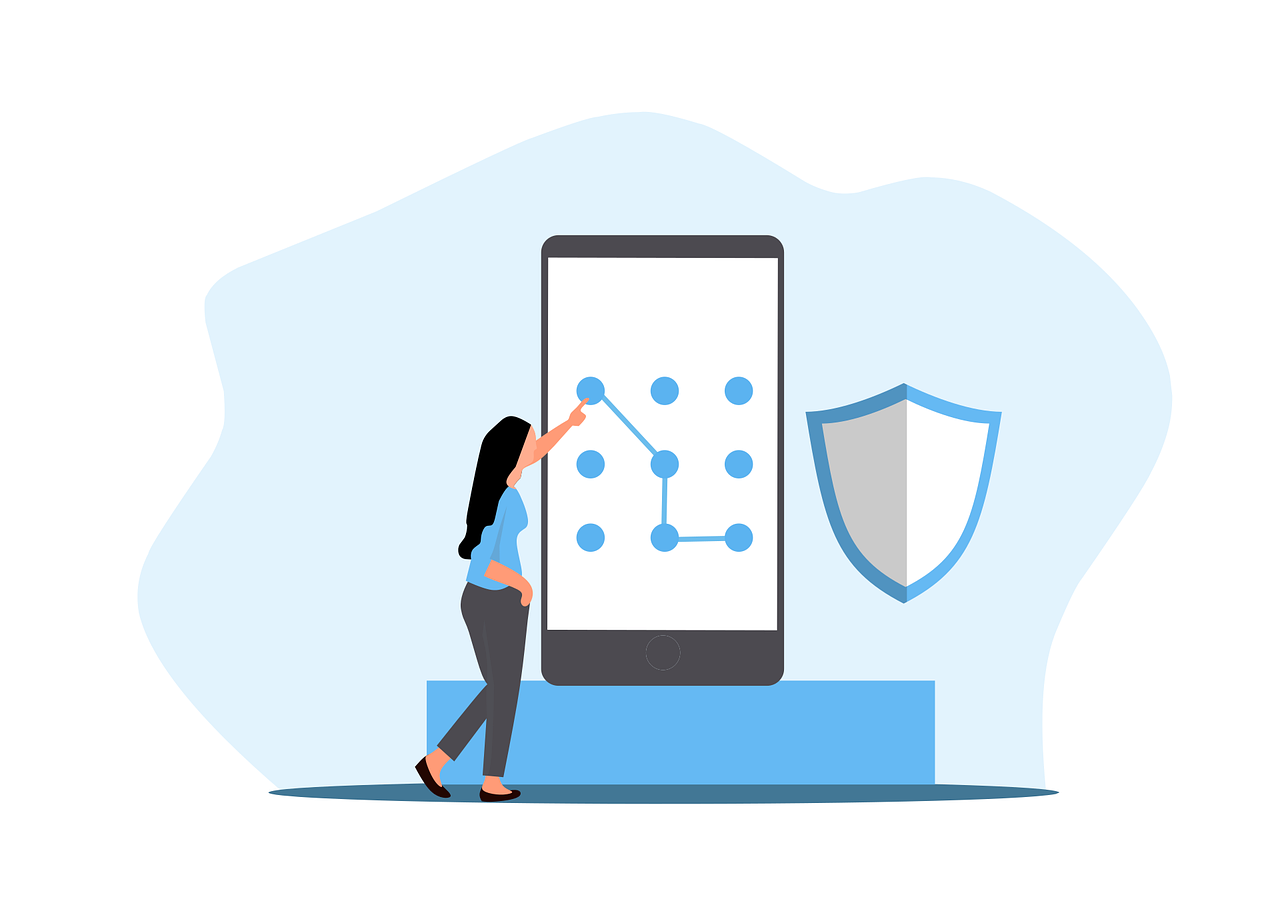
Cyber risks are smarter than ever in today’s digital world. People and companies can lose money, have their data stolen, or have their identities stolen if they use weak passwords or old authentication methods. A strong password is the first thing that will protect you from hackers, but it’s not the only thing that will do the job. 

This guide talks about the basics of strong passwords, two-factor authentication, and the safest ways to keep your accounts safe. We’ll also talk about new verification methods and mistakes you should never make.

Why Are Strong Passwords Essential?

Your password is like a digital key that lets you into your personal and work accounts. Hackers use methods like brute-force attacks, phishing, and credential stuffing to get into accounts with weak passwords. If someone gets your password, they might be able to get in without your permission, steal your info, or even commit fraud.

Most people make the mistake of using passwords that are easy to figure out, like “123456” or “password.” Most of the time, these are the first options hackers try. Reusing passwords is another risk. If you use the same password for more than one account, one breach can let hackers into all of them.

Today’s security standards say that passwords should have a mix of numbers, capital and small letters, and special characters. But complexity isn’t enough on its own. Length is also important—experts say at least 12 characters is best. Password tools can help you make unique, complicated passwords and safely store them. They make it easier to remember multiple passwords and lower the chance that someone will use the same one twice. We’ll talk about how multi-factor authentication adds another level of security in the next section. 

How Does Multi-Factor Authentication Enhance Security?

Multi-factor authentication (MFA) requires users to provide two or more verification methods before accessing an account. This significantly reduces the risk of unauthorized access, even if a password is compromised.

Types of Authentication Factors

  • Something You Know – Passwords, PINs, or security questions.
  • Something You Have – A smartphone, hardware token, or security key.
  • Something You Are – Biometric verification like fingerprints or facial recognition.

Common MFA Methods

  • SMS-Based Codes – A one-time code sent via text. While convenient, SIM-swapping attacks make this method less secure.
  • Authenticator Apps – Apps like Google Authenticator generate time-sensitive codes without relying on SMS.
  • Hardware Tokens – Physical devices like YubiKey provide phishing-resistant authentication.

Despite its effectiveness, MFA adoption remains low due to perceived inconvenience. However, the trade-off between security and usability is minimal compared to the risks of account takeover. Next, we’ll look at emerging trends in authentication technology.

What Are the Latest Trends in Authentication?

Traditional passwords are gradually being replaced by more secure and user-friendly alternatives. Passwordless authentication is gaining traction, using biometrics or cryptographic keys instead of memorized secrets.

Biometric authentication, such as fingerprint and facial recognition, offers convenience but isn’t foolproof—biometric data can be spoofed or stolen. Behavioral biometrics, which analyze typing patterns or mouse movements, provide an additional layer of security.

Another innovation is FIDO (Fast Identity Online) standards, which enable passwordless logins via hardware security keys or device-based authentication. Major tech companies like Apple, Google, and Microsoft are adopting FIDO to phase out passwords entirely.

While these technologies improve security, user education remains critical. Many breaches occur due to human error, such as falling for phishing scams. In the final section, we’ll cover best practices for maintaining secure credentials.

How Can You Maintain Strong Authentication Practices?

Regularly updating passwords and enabling MFA are foundational steps, but proactive monitoring is equally important. Here’s how to stay ahead of threats:

  • Monitor for Data Breaches – Services like Have I Been Pwned notify users if their credentials appear in leaked databases.
  • Avoid Phishing Scams – Never enter credentials on suspicious links or emails pretending to be from trusted sources.
  • Use a Password Manager – These tools generate, store, and autofill complex passwords while encrypting them for safety.

Businesses should enforce password policies and conduct cybersecurity training. Individuals should treat their passwords like house keys—never leave them exposed or reuse them carelessly.

What Are the Most Common Password Mistakes to Avoid?

Even with the best intentions, many people unknowingly undermine their own cybersecurity with poor password habits. Understanding these pitfalls is the first step toward creating a more secure digital presence.

Using Easily Guessable Passwords

Many users still rely on simple, predictable passwords like “123456,” “password,” or “qwerty.” These are the first combinations hackers attempt in brute-force attacks. Even slight variations, such as “Password123,” offer little protection. A strong password should never contain dictionary words, sequential numbers, or personal information like birthdays or pet names.

Reusing Passwords Across Multiple Accounts

One of the most dangerous habits is recycling the same password for different accounts. If a hacker gains access to one account, they can easily compromise others. Studies show that over 60% of people reuse passwords, making credential-stuffing attacks highly effective.

Ignoring Two-Factor Authentication (2FA)

While not strictly a password mistake, failing to enable 2FA leaves accounts unnecessarily vulnerable. Even a strong password can be compromised, but 2FA acts as a critical backup defense. Many users skip this step due to perceived inconvenience, not realizing how much risk they’re accepting.

Writing Down Passwords or Storing Them Insecurely

Jotting down passwords on sticky notes or in unencrypted files defeats the purpose of strong credentials. If these physical or digital notes are lost or stolen, attackers gain instant access. A password manager is a far safer alternative, as it encrypts and organizes login details securely.

Never Updating Passwords

Some users keep the same password for years, even after a known data breach. Regularly updating passwords—especially for sensitive accounts like email or banking—reduces the window of opportunity for attackers. Experts recommend changing critical passwords every 3-6 months.

Ready to Strengthen Your Digital Security?

Cybersecurity is an ongoing effort, and staying informed is your best defense. Strong passwords and multi-factor authentication are just the beginning—emerging technologies like biometrics and passwordless logins are shaping the future of secure access. Whether you’re an individual or a business, adopting these practices can prevent costly breaches.

Contact us for personalized cybersecurity solutions tailored to your needs.

Featured Image Credit

This Article has been Republished with Permission from The Technology Press.
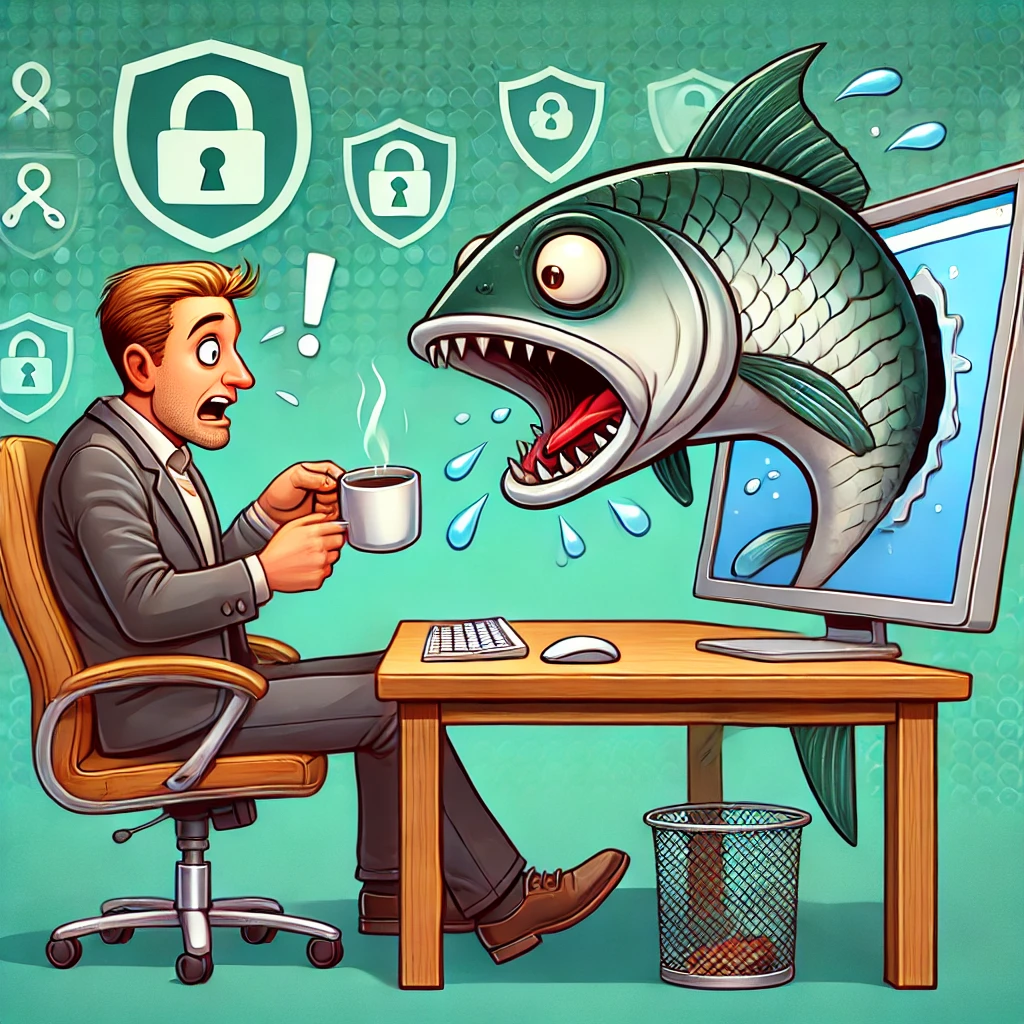
In the digital age, scams have become as ubiquitous as memes and cat videos. Despite this, many of us stroll through our online lives without a care, seemingly unfazed by the lurking dangers. It’s high time we ask ourselves: why are we so alarmingly chill about getting scammed? This could be happening to any of us, right under our noses.

The Illusion of Invincibility

One of the main reasons people are so nonchalant about scams is the illusion of invincibility. Many of us harbour the belief that we’re too smart or tech-savvy to fall for such tricks. This overconfidence can be our downfall. Scammers are becoming more sophisticated, employing advanced tactics to deceive even the most vigilant individuals. According to recent studies, many scam victims are well-educated and tech-savvy, dispelling the myth that only the naive and uninformed are targeted. It’s not just about losing money, and it’s about the potential damage to our identities, reputations, and peace of mind.

This illusion is partly fuelled by a lack of awareness about the diversity and complexity of modern scams. Gone are the days of obvious phishing emails and poorly written messages from “Nigerian princes.” Today’s scams can be meticulously crafted, personalised, and highly convincing. They might come in the form of legitimate-looking emails, texts, or phone calls, and they often exploit current events or trending topics to appear more credible. It’s a constant game of cat and mouse, and we need to stay one step ahead.

Normalisation of Scams

Another reason for our blasé attitude is the normalisation of scams. We’ve become so accustomed to hearing about data breaches, identity theft, and fraudulent schemes that they no longer shock us. This desensitisation leads to a dangerous level of complacency. When scams are perceived as a routine part of digital life, the urgency to protect oneself diminishes.

Media coverage, while crucial, sometimes contributes to this normalisation by portraying scams as inevitable rather than preventable. The narrative often focuses on the inevitability of falling victim rather than the steps individuals can take to protect themselves. This can lead to a fatalistic attitude where people believe that they will eventually be scammed no matter what they do. But remember, you have the power to protect yourself. Awareness and vigilance are key.

False Sense of Security

A third factor is the false sense of security provided by technology. Many people believe that their antivirus software, privacy settings, and secure passwords are enough to protect them from all threats. While these measures are important, they are not foolproof. Scammers are continually evolving, finding new ways to bypass these defences.

Moreover, the rapid pace of technological advancement means that new vulnerabilities are constantly being discovered. The security measures that were effective yesterday may not be sufficient tomorrow. This creates a perpetual game of cat and mouse between scammers and cybersecurity experts.

Psychological Factors

Beyond these practical reasons, there are psychological factors at play. Cognitive biases such as optimism bias (the belief that bad things happen to other people, not us) and the availability heuristic (relying on immediate examples that come to mind) can skew our perception of risk. When we don’t personally know someone who has been scammed, or if our experiences with scams have been minor, we downplay the threat.

Additionally, the digital world often feels less tangible and, therefore, less threatening. We don’t physically see the scammers or the damage they cause, making it easier to ignore the potential risks. This detachment can lead to a lack of urgency in adopting protective measures.

The Cost of Complacency

The cost of this complacency can be high. Financial losses from scams can be devastating, but the impact goes beyond money. Victims often experience significant emotional distress, a sense of violation, and a loss of trust in digital interactions. Recovering from a scam can also be a time-consuming and complex process involving legal battles, identity restoration, and financial recovery.

The stakes are even higher for businesses. A successful scam can lead to data breaches, financial losses, and reputational damage. In an era where consumer trust is paramount, businesses cannot afford to be lax about cybersecurity.

The Path Forward: Awareness and Vigilance

So, what’s the solution? It starts with awareness and vigilance. We need to wake up and recognise the threat. This means educating ourselves and others about the latest scams and how to avoid them. Here are some steps everyone can take to enhance their security posture:

  1. Stay Informed: Regularly update yourself on the latest scam tactics. Cybersecurity news outlets, blogs, and forums are valuable resources.
  2. Adopt a Sceptical Mindset: Question the legitimacy of unsolicited messages, emails, or calls, especially those requesting personal information or urgent action.
  3. Strengthen Your Defences: Create strong, unique passwords for each account, enable two-factor authentication, and keep your software up to date.
  4. Educate Others: Share your knowledge with friends, family, and colleagues. The more people are aware, the harder it is for scammers to succeed.
  5. Report Scams: If you encounter a scam, report it to relevant authorities and platforms. This helps track and prevent further incidents.

What does all this mean?

Our indifference towards scams is a mix of overconfidence, normalisation, and a false sense of security. To combat this, we must shift our mindset and take proactive measures to safeguard our personal information and financial assets. Scams are not an unavoidable consequence of digital life but a preventable threat.

By staying informed, vigilant, and proactive, we can significantly reduce the risk of falling victim to scams. Let’s not wait until it’s too late to take this seriously. Wake up and smell the phish—your online safety depends on it.

Online reputation can make or break your chances of landing and retaining clients. That’s why managing this aspect in your business is critical.

Your store, whether brick-and-mortar or online, looks great. And your product or service may have struck a chord with the target audience. So, you might think there’s not much more you can do to optimize your business.

But you’re forgetting a crucial aspect – online reputation management. 

This is essential for many reasons. 

Primarily, most customers investigate your business’s online presence to decide whether they want to purchase your offerings. They check your reviews and social media posts, and anything negative that comes up can put them off your offerings. 

With several bad reviews, your online reputation diminishes, and people are less inclined to work with you. Thankfully, effective management can help you get back on track. 

This article will share eight tips on how you can improve your online reputation management (ORM).

The Eight Tips

Tip #1 – Modify Your Social Media Policy

The most important part of enhancing your online reputation is to build and follow effective social media policies in your business. They’ll determine how your company interacts online with your customers. 

There are a few things to remember when establishing and maintaining your policies. 

In particular, don’t let your staff members freely post whatever they want, especially if the information has to do with your organization. Besides keeping your reputation intact, this also helps eliminate liability concerns. 

Instead, create a stringent pre-approval procedure for your business content. Instruct your team members to label their work as “Personal” whenever necessary. 

In addition, you should never share sensitive data in public. This applies to your client, legal, and financial information. 

Tip #2 – Keep Track of Your Social Media Presence

Once you’ve modified your social media policy, you need to gauge the audience’s response. 

Twitter, Facebook, and LinkedIn are three of the most popular platforms you should focus on. Regularly search your brand or product on each social media to determine what users are saying about your organization. 

In doing so, you can diagnose and solve problems more easily. You can also gain invaluable insight into client sentiment towards your brand. 

Make sure to examine all relevant networks and not just the platforms you’re actively using. 

Tip #3 – Respond to Inquiries Promptly

People expect companies with an online presence to interact with them. That’s why when clients contact you through social media, you should respond to their queries quickly. 

Even if you can’t solve their problem immediately, be sure to acknowledge it. 

Furthermore, engage with customers who leave comments on your post. It can help foster strong relationships with your target audience. 

Tip #4 – Ask For Reviews

Online reviews are a powerful tool for polishing your ORM. So, if your customers are happy with you, ask them to describe their experience with reviews. 

If your customer base is large, you can set up email marketing campaigns to encourage your clients to post reviews. But if the strategy isn’t fruitful, try to improve it by incentivizing people with competitions or giveaways. 

In terms of the platforms you should use for reviews, Yelp and Google might be your best solution. They can also help you rank higher in search results, increasing your trustworthiness. 

Tip #5 – Promote Transparency

Transparency is key to building trust. Since anyone can track down your previous online statements, trying to cover them up can result in severe backlash. 

Therefore, practice honest marketing and communication online. Acknowledge your mistakes and try to make up for them. 

On top of that, don’t hide or delete negative comments. Apologize for any inconveniences and offer a solution. 

You should also avoid leaving fake reviews on the websites of your competitors to undermine their credibility. Apart from ethical issues, it can be a total waste of time. Google and other influential websites have powerful algorithms that can weed out fake customer feedback. Hence, posting them to present your business as superior usually comes to nothing. 

Instead, focus on streamlining your products or services to encourage authentic reviews. They can go a long way in boosting your online reputation. 

Tip #6 – Keep It Neutral

Letting your emotions dictate your online content is one of the biggest mistakes you can make when managing your online presence. 

Discussing politics, religion, and other controversial topics can lose you a lot of customers. Unless they play a pivotal role in your business, avoid mentioning them. 

Remember, your goal is to appeal to broader audiences. So, keep your tone neutral.

Tip #7 – Don’t Ignore or Respond Aggressively to Criticism

Negative feedback is painful. They might either offend you and make you want to ignore what was said or start a fight with the customer. However, both actions are ill-advised. 

Ignoring negative comments seems like you’re not taking client issues seriously. Irate customers can even post their complaints on various platforms. Since those platforms can reach millions of people, it can do a lot of harm to your online reputation. 

The same goes for aggressive responses. That’s why rather than sending angry emails or abusive rants to defend yourself, reply to your clients promptly and address their issues as well as you can.

Tip #8 – Consistently Post High-Quality Content 

Building and maintaining an admirable online reputation requires consistency. Remember, your customers follow your page because they expect you to post engaging content regularly. 

That’s why updating your social media with five posts one day and going silent for the next couple of weeks isn’t welcome. Establishing a clear routine is much more favorable. 

Moreover, be sure your content is valuable and niche-specific by using stronger headlines and appropriate keywords. They can help you rank higher on Google, generating greater engagement and additional traffic. 

Don’t Let Your Online Reputation Fend For Itself

Assuming your company doesn’t need ORM is one of the most serious mistakes you can make as a business leader. 

Your reviews might be positive today, but this doesn’t mean they’ll be positive tomorrow. It can change instantly if you neglect your social media presence. 

To avoid this scenario, adopt the most useful ORM practices. 

If you need help in ensuring your ORM is top-notch, reach out to us for a quick, obligation-free chat. Find out how we can be of help in ensuring your business has a great online reputation.


Featured Image Credit

This Article has been Republished with Permission from .